Image Zoom
import { ImageZoom } from '@hanzo/ui'
Default
Hover the frame and the photo magnifies toward wherever the pointer sits.
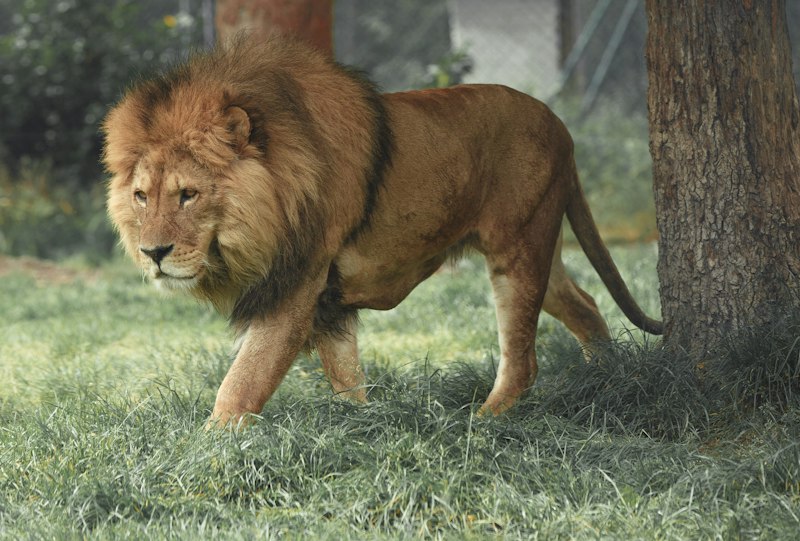
export function Default() {return (<YStack width="100%" items="center" py="$6"><ImageZoom src="https://images.unsplash.com/photo-1546182990-dffeafbe841d?w=800&q=80" alt="A mountain lake at sunrise" width={320} height={240} /></YStack>)}
Zoom scale
A higher `zoomScale` magnifies further under the pointer.

export function ZoomScale() {return (<XStack flexWrap="wrap" gap="$4" justify="center" py="$6"><ImageZoom src="https://images.unsplash.com/photo-1518791841217-8f162f1e1131?w=800&q=80" alt="A red fox in snow" width={220} height={220} zoomScale={1.5} /><ImageZoom src="https://images.unsplash.com/photo-1518791841217-8f162f1e1131?w=800&q=80" alt="A red fox in snow" width={220} height={220} zoomScale={3} /></XStack>)}
Gallery
A row of thumbnails, each magnifying independently on hover.
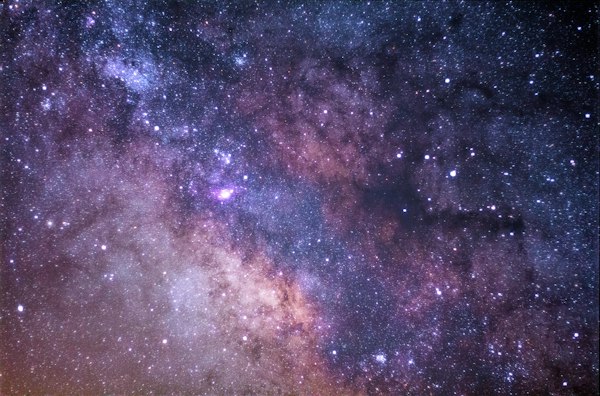
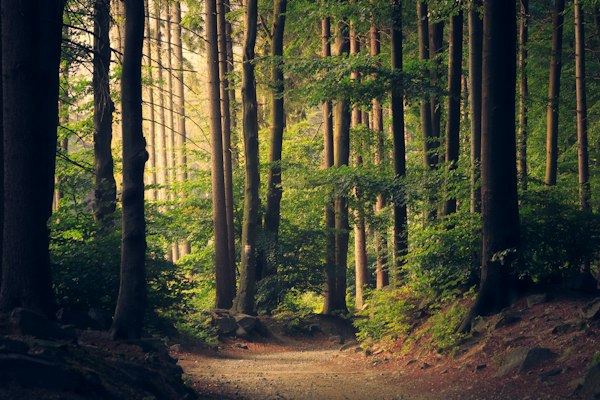

export function Gallery() {const photos = ["https://images.unsplash.com/photo-1465101162946-4377e57745c3?w=600&q=80","https://images.unsplash.com/photo-1441974231531-c6227db76b6e?w=600&q=80","https://images.unsplash.com/photo-1470071459604-3b5ec3a7fe05?w=600&q=80",]return (<XStack flexWrap="wrap" gap="$3" justify="center" py="$6">{photos.map((src) => (<ImageZoom key={src} src={src} alt="Landscape photograph" width={180} height={180} />))}</XStack>)}
Types
export type ImageZoomProps = Omit<ComponentProps<typeof Frame>, 'children'> & {src?: stringalt?: string/** How far the image magnifies while the pointer is over it. */zoomScale?: number/** How long the image takes to settle back, in ms. */speed?: number}
Exports
ImageZoomtype ImageZoomProps